AI Photo Upscaler for Printing
Upload a low-resolution photo, screenshot, social download, or AI art file. Frameable checks whether it can print large, upscales it for sharper detail, then lets you preview it as real wall art.
Low-resolution photos
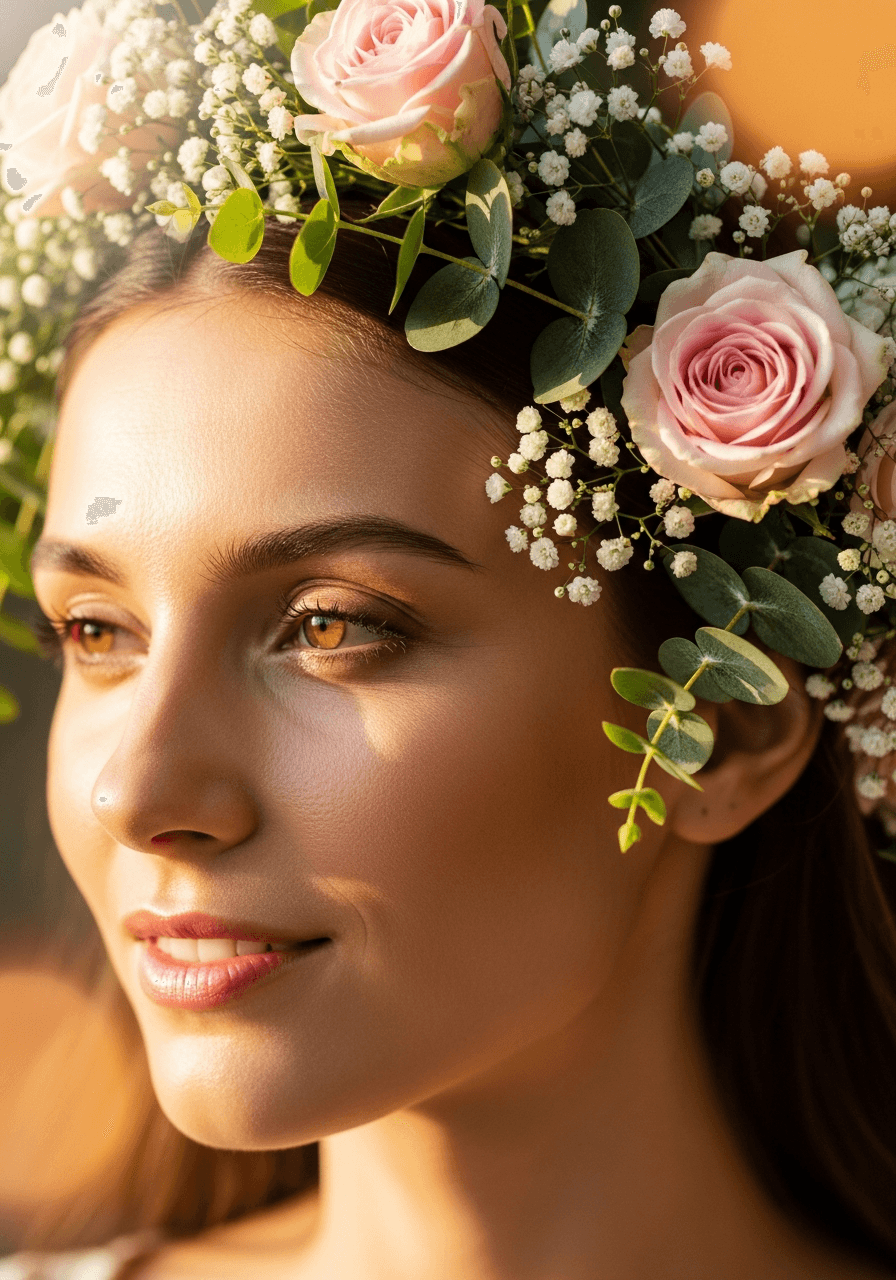
Phone favorites, older camera files, and cropped images get checked before they become wall-size prints.
Screenshots and social saves
Compressed downloads are assessed for realistic print sizes instead of being blindly stretched.
AI art exports
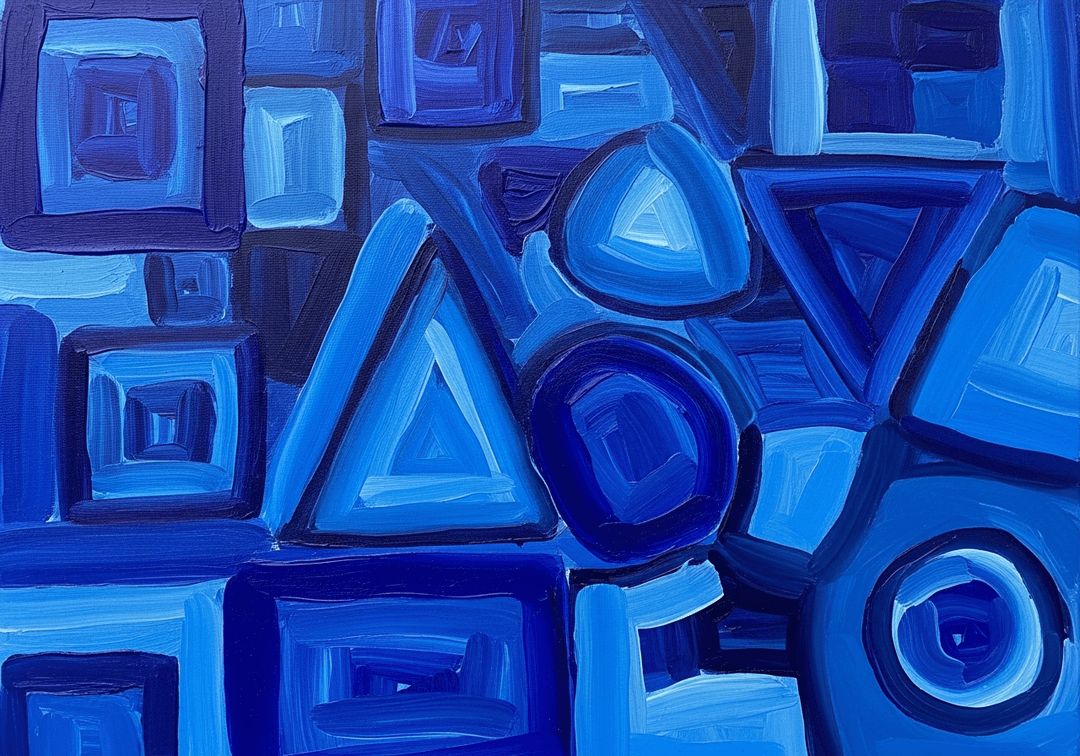
Midjourney, DALL-E, Stable Diffusion, and other AI images can be enlarged before framing.
Big print decisions
Compare whether the file can hold up at 8x10, 16x20, 24x36, and larger statement sizes.
Why it brings better prints
Upscaling should happen before the image hits paper.
A normal print shop may enlarge a small file at the last second. Frameable makes the resolution decision earlier, while you can still change the size, crop, product type, or frame.
Upload your JPG, PNG, HEIC, or WEBP image.
Frameable checks resolution, aspect ratio, and print risk.
The AI upscaler prepares a sharper file for large-format printing.
Preview the result, choose a print or frame, and check out when it looks right.
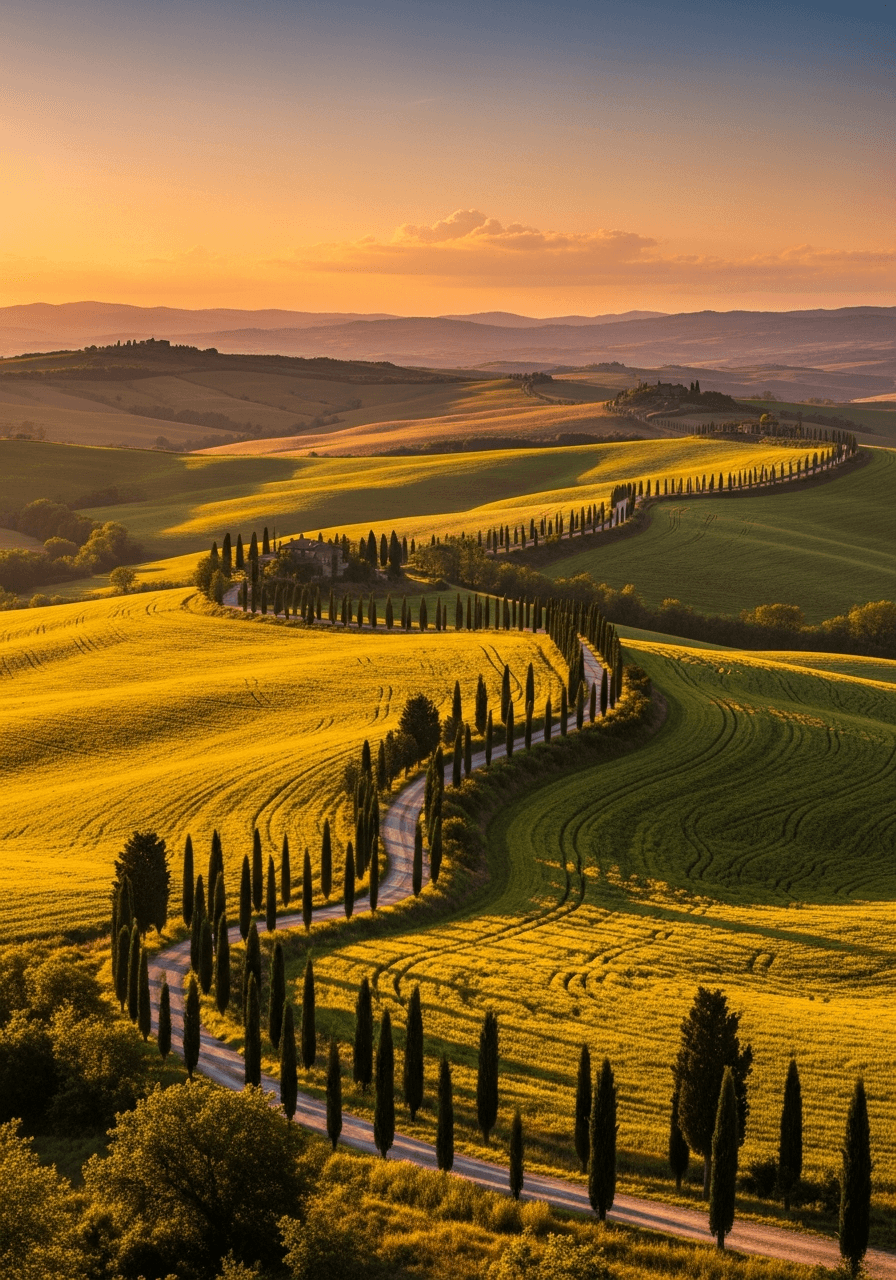
Built for people who want the image on a wall.
Generic upscalers give you a bigger file. Frameable gives you a bigger file in context: print size, frame size, crop, material, proof, and fulfillment all in one flow.
AI photo upscaling questions
Can I upscale a photo before ordering a frame?
Yes. Upload the image first and Frameable will run the quality check and enhancement before you choose a print size or frame.
Does upscaling make every image printable at any size?
No. Upscaling can add print-appropriate detail, but extremely blurry, tiny, or heavily compressed images may still need a smaller print size.
What image types work best?
Original camera files, clean AI art exports, high-quality scans, and lightly edited photos usually upscale best. Screenshots and social downloads can work, but they need a print-size check.
Is this only for framed prints?
No. You can use the flow for print-only, framed print, canvas, or digital proof options depending on what you want to order.