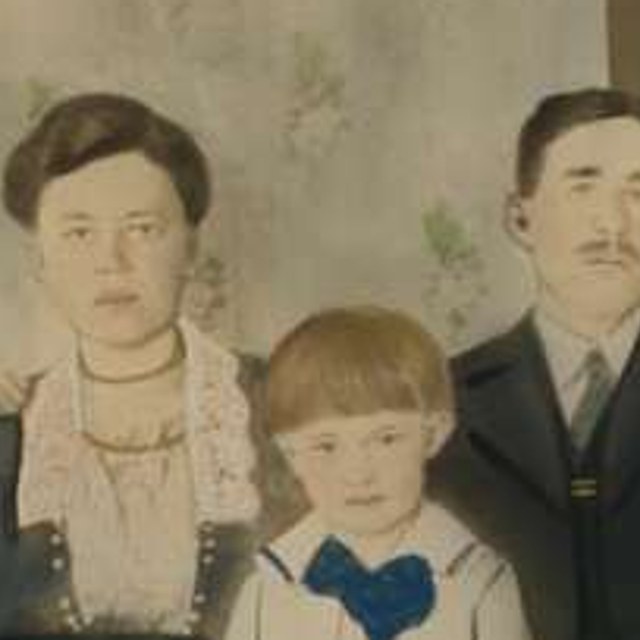
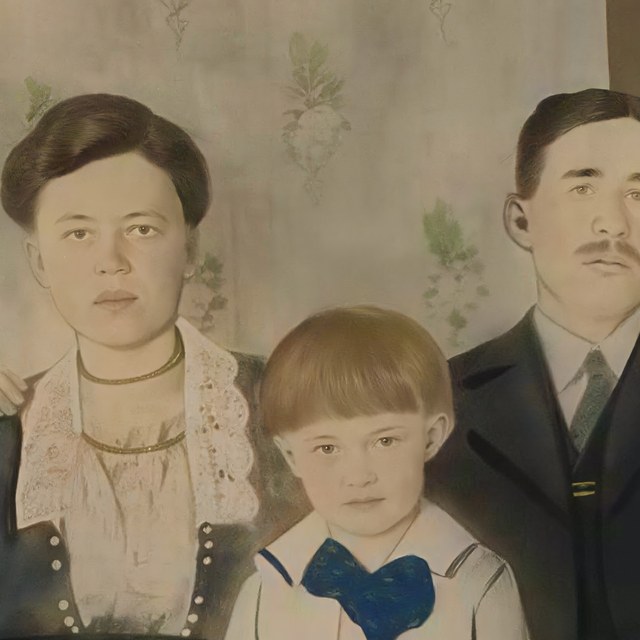

To make an old family photo look good as a large print, upscale it first, then frame it. The original photo sets a limit on how large you can print before the image turns soft, and AI upscaling raises that limit by rebuilding detail before the file ever reaches the printer.
Old family photos start small for a few reasons. Some were scanned at a low setting, some were taken on early phone cameras, and some have been saved and resaved until detail was lost. A file that looks fine on a phone screen can still fall apart at wall size, because a screen hides missing detail that a large print exposes.
Before you do anything else, track down the most original version of the photo you can find. A direct scan or the first saved copy holds more detail than a screenshot, a text message version, or a social download. The more real detail the file starts with, the more there is for upscaling to work with, and the better the final print looks.
If the only copy you have is a paper print, a clean scan helps. Scan at a high setting, keep the photo flat, and avoid taking a phone photo of the print when you can, since that adds glare and loses detail. A better scan gives the upscaling a stronger starting point.
Frameable's AI upscaling enlarges the image and reconstructs edges, texture, and fine detail so the photo stays sharp at a bigger size. That is different from simply stretching a small file, which only makes the existing blur larger. Upscaling adds resolution in a way that holds up when the print is viewed up close on a wall.
For wall art, aim for about 200 DPI, which keeps the print crisp at normal viewing distance. For very large prints that people usually view from across a room, 150 DPI can still look clean. Upscaling first helps the photo reach those targets at the size you want, so a small original can support a frame that would otherwise look soft.
This is why the order matters. Framing comes last, not first. If you frame a low resolution photo as is, you lock a soft image behind glass, and the frame only draws attention to the blur. Upscaling before framing means the print inside the frame is as sharp as the frame deserves.
When you choose a size, be honest about the starting photo. A small or older image can look good at a modest size with little work, while a larger piece usually needs upscaling to hold detail. If you are unsure how big you can go, it helps to see the largest sharp size for your exact file before you commit.
When you are ready, upload your family photo to Frameable to upscale it for print, then choose a size and frame. Prints start at $39 and framed pieces from $79, with free shipping over $100, and most orders are ready to ship in 3 to 5 business days. If you want to confirm the largest sharp size first, you can also check your print size before you order.
How do I know if my photo is print ready?
Compare the cropped pixel dimensions with the intended print size, then inspect focus, compression, and the final proof. Pixel density is a planning estimate, not a guarantee of visual quality.
Review your enhanced proofUpscale your photo with AI
Upload your image, compare the enhanced proof with your original, then choose the size and frame that suit the result.